
Make Your Browser Beautiful
You don’t need a new browser to get an aesthetic one. Here is what the prettiest browsers do differently, and how to give Chrome or Edge the same calm, with a new tab page that shows a bird instead of clutter.
Clickto try BirdTab
BirdTab
chrome://newtab
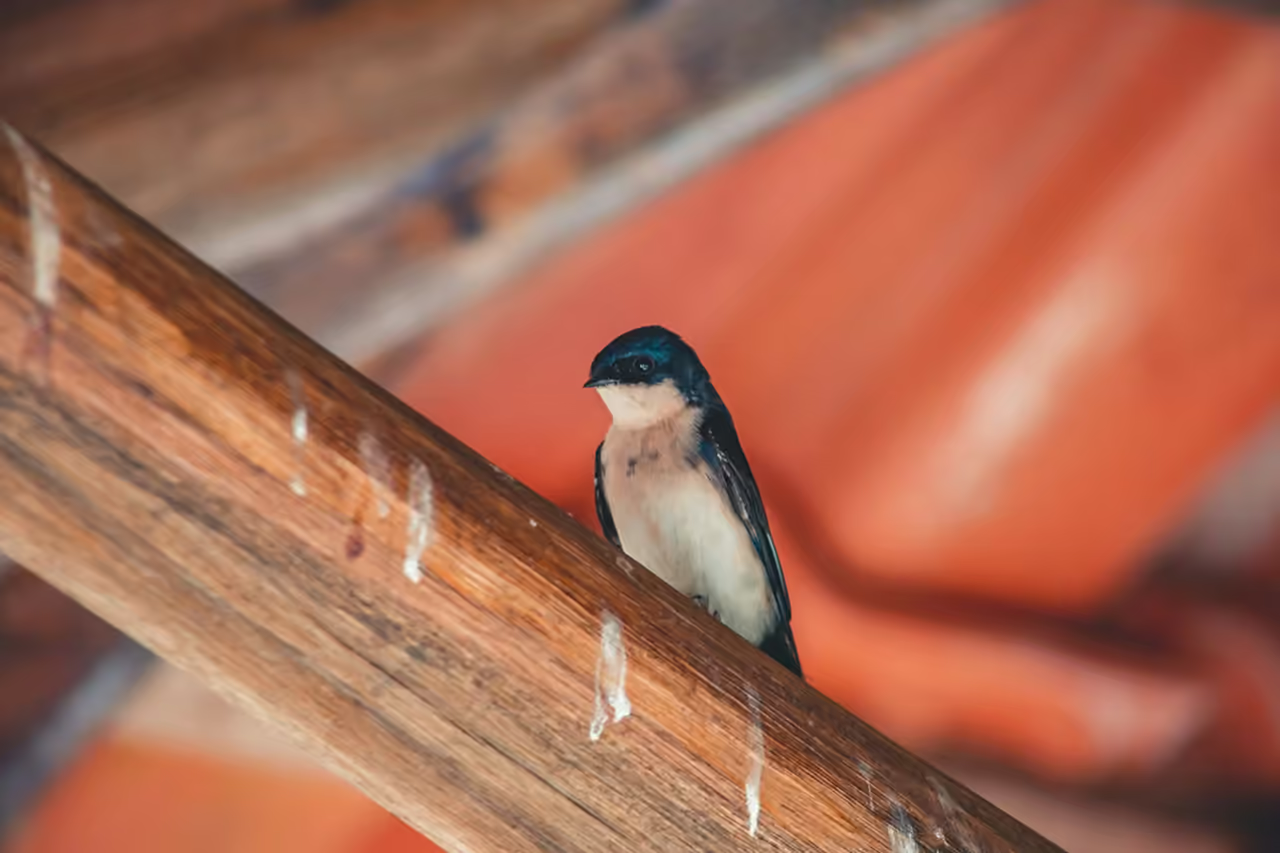
Why BirdTab?
Visual Zen
No news feeds, no sponsored links, no shortcuts grid unless you want one. Just one stunning bird image and a clean, uncluttered interface.
Thoughtful Typography
Elegant type for the bird's name and facts — designed to complement the photography without competing with it.
Hide the Details
One click tucks away the bird information panel, leaving nothing on screen but the photograph.
Benefits
Reduce Cognitive Load
A clean visual environment reduces mental clutter and decision fatigue. The best design removes friction, not adds features.
Make It Yours
Your browser is your digital home. BirdTab makes it reflect a sensibility — a love of beauty, nature, and calm — that most productivity tools ignore.
Mood Enhancement
Beauty triggers positive neurochemical responses. Starting each task with a moment of genuine visual pleasure sets a better cognitive baseline.
How It Works
1
Install
Get the aesthetic upgrade in one click from the Chrome Web Store, Edge Add-ons or Firefox Add-ons. Your new tab transforms immediately.
2
Customize
Choose your preferred clock style, configure audio, turn on quiet hours, and adjust UI visibility to your exact preferences.
3
Enjoy
Experience a browser that looks as intentional as it performs — and gets more beautiful with every tab you open.
The most aesthetic browsers, and what makes them look good
Search for an "aesthetic browser" and the same names come up. What they share is less a feature list than a few design choices you can copy.
- Arc made the browser feel like a calm workspace: tabs in a sidebar, colour themes per space, almost no toolbar. Its makers stopped adding features in 2025 and now maintain it, so it is a reference more than a recommendation.
- Zen, an open-source browser built on Firefox, follows the same idea: vertical tabs, a minimal toolbar and themes from its community.
- Vivaldi lets you change almost everything: colours, tab position, panels and scheduled themes that change through the day.
- Opera GX is the loudest of the set, with themes, wallpapers and sound effects aimed at gamers.
The common thread: fewer bars, one accent colour, a background you like looking at, and nothing on screen you didn't choose. All of that is possible in Chrome or Edge without switching.
How to make Chrome or Edge aesthetic in five minutes
- Pick one colour. In Chrome, open a new tab and choose Customize Chrome (bottom right) to set a colour and background; in Edge, use Settings → Appearance. One muted colour looks calmer than a busy theme.
- Hide what you don't use. Turn off the bookmarks bar until you need it, and remove extension icons you never click from the toolbar.
- Group your tabs. Tab groups with short names and soft colours make a crowded tab strip readable.
- Replace the new tab page. It is the screen you see most. A new tab extension can turn it into something you enjoy: BirdTab shows a different bird each time, with its call and a few facts, and nothing else unless you ask for it.
- Choose dark or light on purpose. Match your system setting, or keep light for daytime and switch at night.
Why Aesthetics Matter in Productivity Tools
Aesthetics isn't about vanity — it's about usability and well-being. The "Aesthetic-Usability Effect," documented by researcher Masaaki Kurosu in the 1990s, demonstrates that users perceive more aesthetically pleasing designs as more usable. They're also more forgiving of flaws in beautiful products and more likely to persist through challenges.
Your browser is almost certainly your most-used application. Using a generic, cluttered, or ugly interface adds subtle friction to every interaction — friction you barely notice but that accumulates across hundreds of tab-opens per day. BirdTab removes this friction by making each new tab a moment of intentional beauty.
By curating a visually harmonious environment, you create a digital workspace you actually enjoy spending time in, reducing fatigue and increasing satisfaction. This isn't a minor quality-of-life improvement — it's a fundamental shift in how you relate to the tools you use all day.
The Philosophy Behind BirdTab's Minimalist Design
Most new tab extensions are built on an implicit assumption: your new tab page should do more. Add a to-do list. Show the weather. Surface your bookmarks. Display news headlines. Provide a daily affirmation.
BirdTab is built on the opposite assumption: your browser already does enough. What you need isn't another widget — it's a single moment of rest before the next task.
This philosophy is influenced by the Japanese concept of ma (間) — the meaningful pause, the productive emptiness between things. A new tab is a threshold moment: you've finished one thing and haven't yet started the next. That liminal space is an opportunity for a micro-reset, not for more stimulation.
The bird is the perfect subject for this moment. Birds are beautiful but not distracting. They're from the natural world, not the digital one. They have a name and a story, but they don't demand anything from you. They're simply there — alive, present, and briefly worth noticing before you go back to work.
That's what BirdTab is. And for people who find it, it consistently becomes one of their favorite small things about their digital life.
Frequently Asked Questions
What are the best aesthetic Chrome extensions for a beautiful new tab?
Well-known aesthetic new tab extensions include Momentum (productivity-focused with personal photos and to-do lists), Earth View from Google Earth (satellite imagery), and Unsplash for Chrome (crowd-sourced photography), alongside BirdTab (nature photography and bird content). BirdTab stands out for its combination of consistently high-quality curated imagery, educational content, authentic audio, and genuine nature focus — rather than showing random crowd-sourced photos, every image is chosen for its species from openly licensed sources such as iNaturalist and Wikimedia Commons, and comes with meaningful context about the species.
How is BirdTab different from Momentum for new tabs?
Momentum adds productivity features to your new tab: to-do lists, daily affirmations, weather, and a focus question. BirdTab takes the opposite approach — it strips everything away and gives you one beautiful thing: a bird. Where Momentum asks you to be productive, BirdTab offers a moment of genuine rest. The two represent different philosophies about what a browser tab should be. Many users who feel burnout from productivity culture find BirdTab's quieter approach more restorative. Some people use both, switching between browsers for different purposes.
Does BirdTab have a dark mode?
BirdTab's interface is designed to be visually unobtrusive regardless of image brightness. The bird information and UI elements use adaptive styling that maintains legibility against both bright and dark photographic backgrounds. The extension doesn't require a separate "dark mode" toggle — it adapts naturally to each image it displays.
Can I hide all the UI elements for a pure photo experience?
Yes. Click the arrow next to the bird's name to hide the bird information, and turn off the clock and Quick Access in Settings, for a clean, full-screen photography experience. Many users prefer this minimal mode — the extension becomes essentially a rotating nature wallpaper that refreshes with every new tab, with no text or UI unless you choose to see it.
Does BirdTab slow down Chrome or affect browser performance?
No. BirdTab is engineered for minimal performance impact. The service worker preloads the next bird image in the background, so images appear instantly without blocking your browser. Memory and CPU usage are kept low at all times. The extension has zero impact on the load times of other websites you visit. BirdTab runs alongside other extensions and tabs with no noticeable slowdown.
Can I use BirdTab on Microsoft Edge?
Yes. BirdTab is available for Microsoft Edge through the Microsoft Edge Add-ons store.
Can I use BirdTab on Firefox?
Yes. BirdTab is available for Firefox through Firefox Add-ons.
What new tab extensions do most people use in 2025?
The most widely-used new tab extensions include Momentum (productivity), Earth View from Google (satellite photography), Infinity New Tab (customizable dashboards), and various custom start page extensions. Nature and mindfulness-focused extensions like BirdTab appeal to users who seek digital calm to offset screen fatigue. BirdTab is made for remote workers, knowledge workers, and birding enthusiasts who want their browser to reflect values beyond productivity.
Is there a way to choose which region's birds appear in BirdTab?
Yes. Open Settings, choose Birding Region and pick a country to see the birds found there. Or keep World: each new tab can bring a species from anywhere, a good way to meet birds you would never see at home.
Ready to transform your new tab?
What Our Community Says
100+ reviews on the Chrome Web Store, all 5 stars.
“Love, Love, Love this bird app! Birds I never knew exsisted, now revealed! And I can pick a region anywhere in the world! Thanks birdtab.app! ”

“Fantastic extension, I can easily explore the nature all over the world simply via my browser. ”

“So nice to open the browser and have a gorgeous singing/calling bird instead of the same old google search page! ”

“The reason I love opening up a new tab. As an ornithologist and birder, this is my favorite extension. ”

“Happy to see nice birds from my region whenever I surf the web, will definitely show my ornithologist colleagues! ”

“I am obsessed with birds, and I love this extension so much that it's hard to put into words. I love discovering a new bird species with every tab I open. Thank you for making this extension for bird lovers like myself. ”

“I was looking for a high-contrast theme for Brave because it's annoyingly difficult to see your active tab among all the rest in that browser, but then I found this and obviously had to have it. I still can't find what tab I'm in, but every time I see a wonderful new bird, it's worth it. ”

“Amazing extension! Opening a new tab feels like a breath of fresh air :) I'm learning about new birds, appreciating the birds around me more, and taking much-needed tiny pauses in the day. Thank you, birdtab! ”

